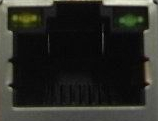
 Wrong interface choosen
02.09.2015
Wrong interface choosen02.09.2015
|
<< Click to Display Table of Contents >> Navigation: Help for self-help > Fault Cause / Troubleshooting > Software > Printer driver >
|
Subject |
Content |
Remarks |
Affected Printers |
all |
|
Cause |
The wrong port was choosen. |
|
Troubleshooting |
Choose the correct port. |
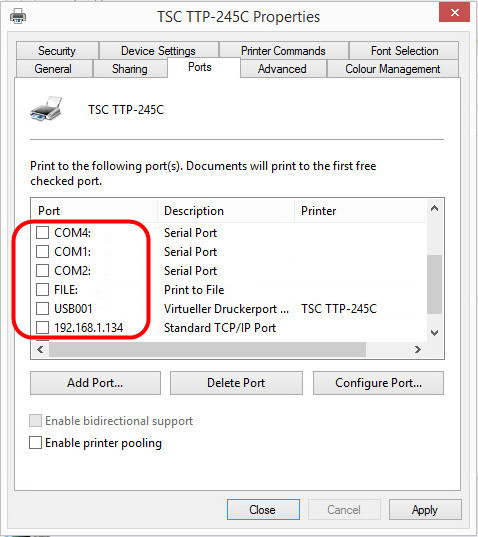
Check how the printer is connected to th PC. Choose the corresponding port in the printer driver.
On a network port, please check the correct IP-address and port-no. On some print-servers is a LPR queue instead of an IP-address necessary. |
Here some ports in the settings of a printer driver.
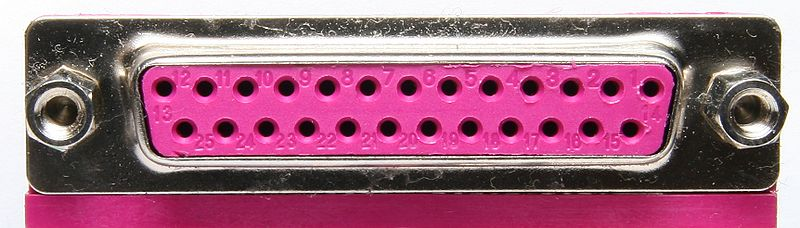
parallel port on the PC (LPT):
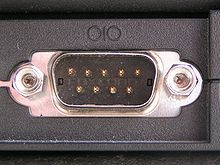
serial port on the PC (COM):
USB port on the PC:
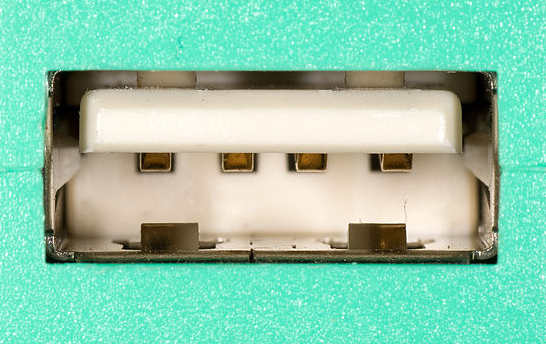
Network port on the PC: