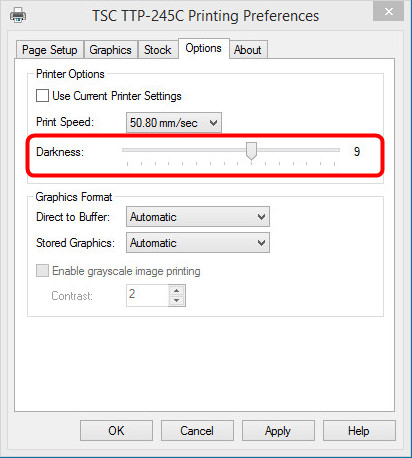
 Setting of the printing temperature
04.09.2015
Setting of the printing temperature04.09.2015
|
<< Click to Display Table of Contents >> Navigation: Help for self-help > Fault Cause / Troubleshooting > Software > Software settings >
|
Subject |
Content |
Remarks |
Affected Printers |
all |
|
Cause |
The printing temperature has a wrong setting. |
|
Troubleshooting |
In case of a low contrast increase the temperature setting. In case of a high contrast lower the temperature setting. |
In general, keep the printing temperature as low as possible. A high printing temperature reduces the lifetime of the printer. |
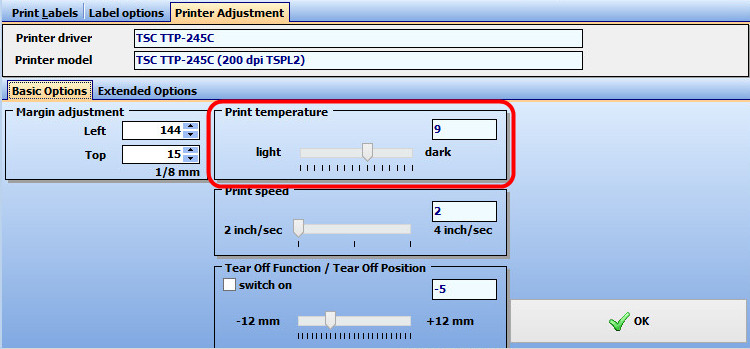
Here an example from eXtra4/2. You can adjust the setting of the printing temperature with the slider.
Here the settings in the bartender driver: